Tag: mac

  • If a Mac User, Are You More Hip? If PC, More Practical?

    If a Mac User, Are You More Hip? If PC, More Practical?

    Trendy Mac, Practical PC

    Are you Mac or PC? What does that say about your personality?

    Let’s look at a little history to see how we got here with this question. The Apple II was the first personal computer, released in 1977 after Steve Jobs and Steve Wozniak founded the company – followed by the IBM PC in 1981, running Microsoft MS-DOS.

    Always one step ahead, Apple under Steve Jobs released the Macintosh in 1984 – its windows interface was a revelation at the time. Microsoft’s Bill Gates, no dummy to the potential of a graphical user interface, released Windows in 1985.

    Jobs accused Gates of stealing the idea, but Gates replied, “Well, Steve, I think there’s more than one way of looking at it. I think it’s more like we both had this rich neighbor named Xerox and I broke into his house to steal the TV set and found out that you had already stolen it.”

    Microsoft far outpaced Apple in market share throughout the ‘90s and 2000s, but after Jobs’ return to Apple in 1997, the release of the iPhone & iPad, and the trend toward more remote workers and consultants, the Macintosh has seen a resurgence in popularity.

    Bill Gates is generally considered a “nice” man – cutthroat in business, yes, but philanthropic and generally respectful of others. He’s a brilliant engineer as well as a brilliant businessman. Steve Jobs is brilliant in other ways – a visionary and creative marketer.

    So if you’re a PC user, does it mean that you’re more practical (like me!) and a “nice” person? (I’m not talking to you gamers. I know that you love your gaming PCs!) If you’re a Mac user, are you more visionary and creative? More hip? Or just wealthier?

    Here’s a survey that suggests that it may be true. You Mac users may be more like Steve Jobs than Bill Gates: Mac and PC Users

    There’s actually a third category of users. You may own a Chromebook, or you may be someone who has a Mac or PC but mostly uses Gmail and/or Google Docs through a web browser. What kind of person are you?

    If you’re like Larry Page and Sergey Brin, the founders of Google, you may be younger, less aware of the history of the Mac vs PC debate, and just focused on the best way to get the job done.

    I’m bilingual, so I can help you learn how to make better use of your Mac or your PC.

    Contact Me


  • Office on Mac? What you ought to know…

    Office on Mac? What you ought to know…

    Office for the Mac

    Office on the Mac has always been an afterthought for Microsoft, and not as full-featured as its PC equivalent.

    Microsoft has a different development team working on Office for the Mac, and, over the years, people have wondered if the team was just a couple of engineers working in the Microsoft basement. (If you’re curious, here’s a video of the team from a couple of years ago: Office for Apple Team).

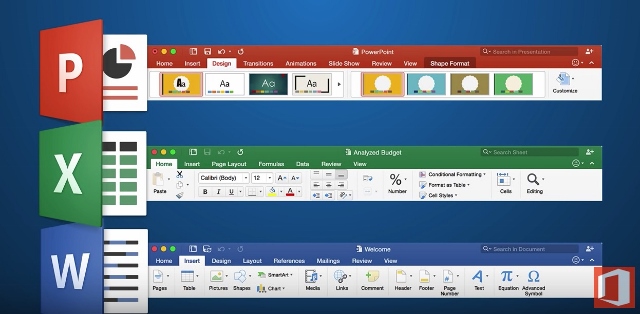
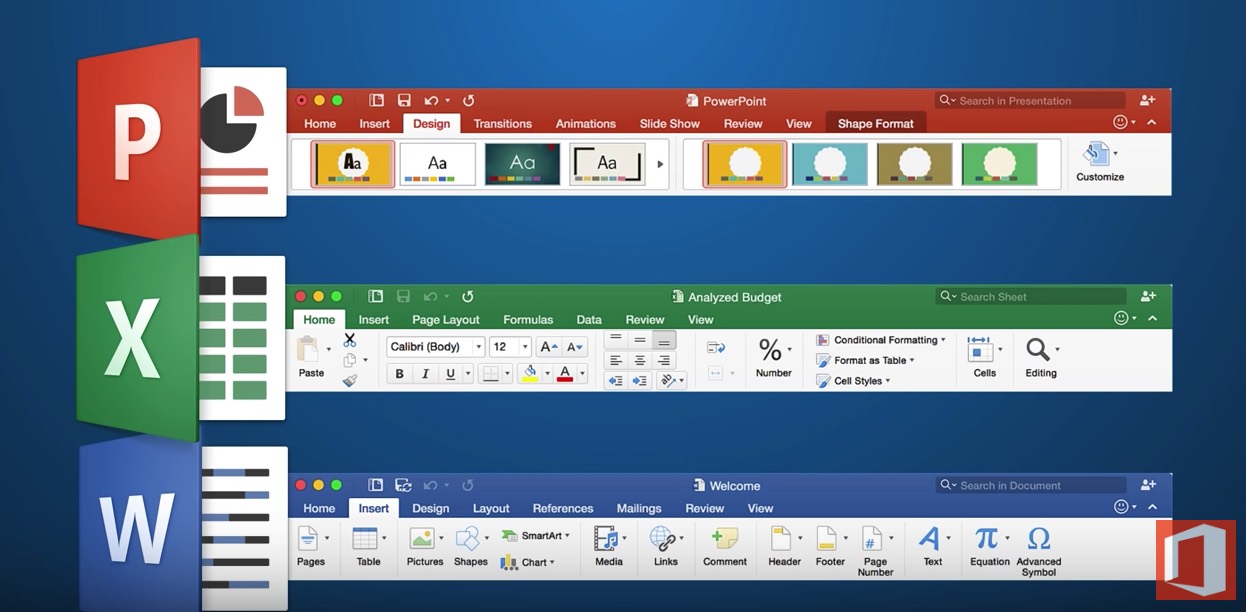
    Microsoft has made many improvements in its 2016 version for the Mac. If you’re used to the PC version, the Mac version now much more closely resembles it.

    Word, Excel, and PowerPoint all have improved features and interface.

    Excel for Mac has many new features but still does not support pivot charts, if that’s important to you. (Here’s an article from Microsoft about those: Overview of Pivot Tables and Pivot Charts). PowerPoint has many new templates and now has presentation mode, but does not allow you to record your presentation with a narration and save it as a movie.

    Here’s a more detailed article: Office for Mac 2016 Overview.

    Outlook 2016 for the Mac is also improved, at least for working with email. For example, you can now have different signatures for different email accounts. But if you’d like to access your contacts and/or calendar from your mobile device, there is no mechanism for sync with Outlook on the Mac. If that’s important to you, then you’ll have to use the Mac Address book and Calendar program instead.

    Make sure that you’re keeping your Office for Mac updated with the latest software releases and bug fixes. If you haven’t updated yet to El Capitan, it’s important to update your Office software first or you may run into trouble. And if you have updated to El Capitan, make sure that you have the latest version of the OS as Apple has improved compatibility with Office.

    Need help with Office for the Mac? Contact me.