Category: MS-Office

  • How to Save Time and Work More Productively Using an Outlook Add-In

    How to Save Time and Work More Productively Using an Outlook Add-In

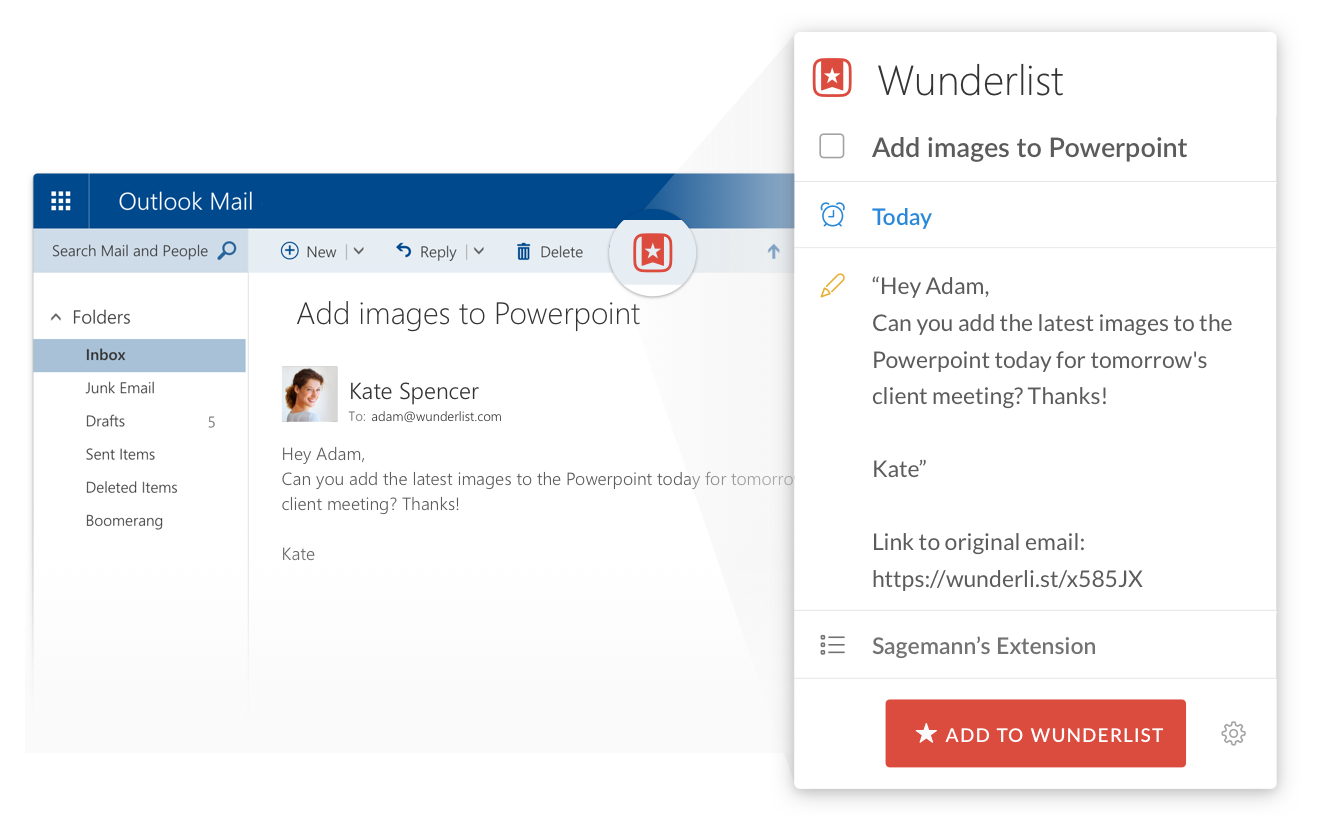
    You can turn an email into a task with the Wunderlist Outlook add-in.

    There are some great cloud-based productivity tools out there. You can use them through your web browser, as desktop applications, and on your mobile devices.

    Productivity tools are best utilized by integrating with your email and calendar. I write about that here: How to Integrate Email with Task Management. If Outlook is your primary platform for email and calendar, and you have an active Office 365 subscription, you have another option as well.

    Many of these productivity tools offer some of their features through an Outlook add-in.

    Evernote, for example, allows you to save emails to a notebook or to attach an Evernote note to an outgoing email (PC Only, requires a paid Evernote plan). The Wunderlist Outlook add-in has similar features.

    The Evernote Clipper is an Outlook add-in that gets automatically installed in Outlook 2013 or Outlook 2010 when you install the Evernote desktop app (PC only). Read more here: How to Use the Microsoft Evernote Clipper Add-In.

    With the Microsoft OneNote Outlook add-in, you can turn your Outlook tasks into notes. Read more here: Combine OneNote and Outlook.

    The OneNote Outlook add-in also has a great feature for taking meeting notes.

    Just open the meeting in Outlook and click on “Meeting Notes”.

    Insightly has an Outlook add-in that allows you to do the following things:

    Create a new task, an opportunity or an associated project in Insightly.
    See at a glance the recent contact or organization history and the date and time of the last actions you had with that person.
    Save a contact and edit that contact information instantly. Insightly will also cleverly link up the email sender to the task, opportunity or project if they are already in Insightly.
    Display the contact details, photo, and background information, all very conveniently shown right beneath the email itself.
    Associate important emails with the relevant projects and opportunities – so you’ve got a record of exactly who said what right there on the page.
    • Link to the contact or organization’s information page within Insightly so you can quickly pull up Insightly at exactly the right page.
    • Sync your Outlook Calendar on an Exchange server with Insightly calendar items.

    Here’s how to get an Outlook add-in:

    • If you’re using Outlook 2013 or Outlook 2016, click the File menu and then Manage Add-ins.
    • If you’re using Outlook on the web or Outlook.com, click the gear icon to the top right and then select Manage Add-ins.

    In the Manage Add-ins page, click the + sign and then select Add from the Office Store.

    SUBSCRIBE TO MY NEWSLETTER

    Get the “Controlling the Chaos” Newsletter and receive a free PDF download
    “Drowning in Email – A Lifeline for Communications Overload”
    * indicates required


  • Office on Mac? What you ought to know…

    Office on Mac? What you ought to know…

    Office for the Mac

    Office on the Mac has always been an afterthought for Microsoft, and not as full-featured as its PC equivalent.

    Microsoft has a different development team working on Office for the Mac, and, over the years, people have wondered if the team was just a couple of engineers working in the Microsoft basement. (If you’re curious, here’s a video of the team from a couple of years ago: Office for Apple Team).

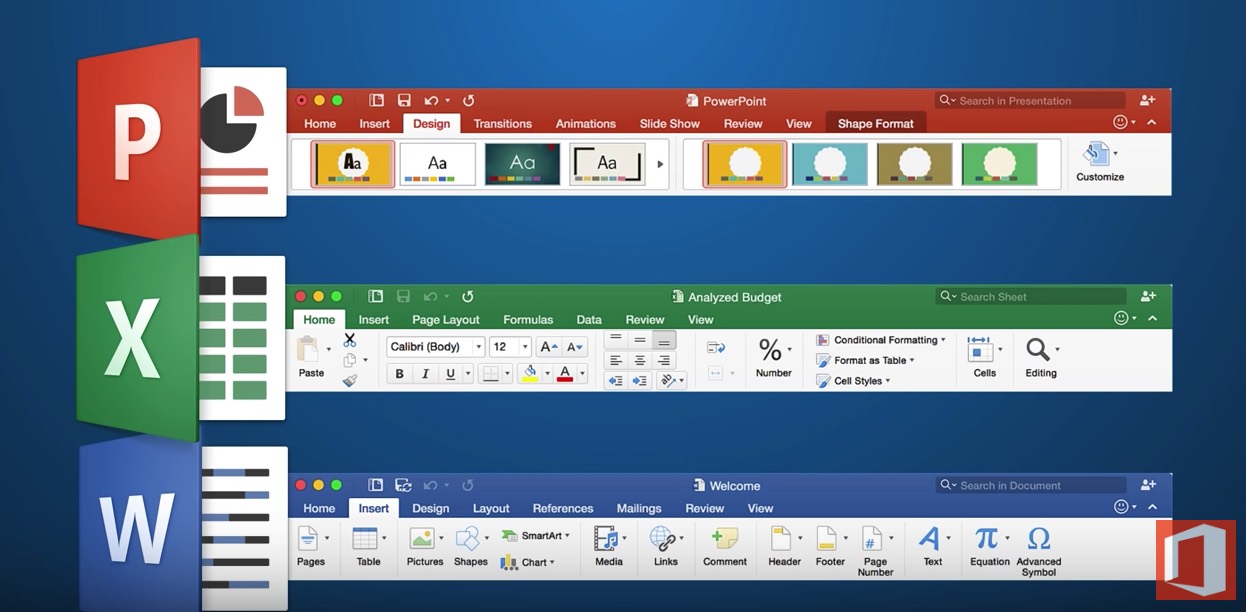
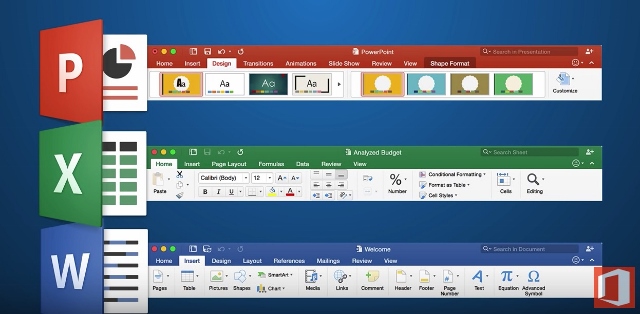
    Microsoft has made many improvements in its 2016 version for the Mac. If you’re used to the PC version, the Mac version now much more closely resembles it.

    Word, Excel, and PowerPoint all have improved features and interface.

    Excel for Mac has many new features but still does not support pivot charts, if that’s important to you. (Here’s an article from Microsoft about those: Overview of Pivot Tables and Pivot Charts). PowerPoint has many new templates and now has presentation mode, but does not allow you to record your presentation with a narration and save it as a movie.

    Here’s a more detailed article: Office for Mac 2016 Overview.

    Outlook 2016 for the Mac is also improved, at least for working with email. For example, you can now have different signatures for different email accounts. But if you’d like to access your contacts and/or calendar from your mobile device, there is no mechanism for sync with Outlook on the Mac. If that’s important to you, then you’ll have to use the Mac Address book and Calendar program instead.

    Make sure that you’re keeping your Office for Mac updated with the latest software releases and bug fixes. If you haven’t updated yet to El Capitan, it’s important to update your Office software first or you may run into trouble. And if you have updated to El Capitan, make sure that you have the latest version of the OS as Apple has improved compatibility with Office.

    Need help with Office for the Mac? Contact me.


  • What Everyone Ought to Know About Office Alternatives

    What Everyone Ought to Know About Office Alternatives

    Microsoft Office

    Microsoft Office has been a workhorse for years.

    Many of us first became accustomed to it in our corporate work. If you’re still working in a corporate setting or if you’re creating detailed documents, spreadsheets, or presentations on a PC, there’s still nothing that beats Office for standard and more advanced content creation.

    Office is not cheap.

    A single license of Office Home and Student costs $120, but we’re often working on multiple devices these days. If you want to install Office on your home computer, your office computer, and your iPad, you’re better off with Office 365, which costs $9.99/month. Other advantages to Office 365 include automatic updates and new downloads to new computers.

    Office on the Mac has always been an afterthought for Microsoft, and not as full-featured as its PC equivalent. (However, Microsoft made many improvements in its Office 2016 version for the Mac.) Fortunately, if you’re on a Mac, you’ve got a great alternative – Apple’s application suite – Pages, Keynote, and Numbers. (Just remember to convert to the Office document equivalent when sharing files so that PC users can open them.)

    If you don’t need the advanced options that Office provides, then Google Docs is worth checking out.

    Mac or PC, you’ve also got an alternative with Google Docs, Google Sheets, and Google Slides. These applications are completely free to use on the web and also via the Google Docs mobile apps. Advantages include 15 GB of cloud storage space, easy collaboration with other Google users, and conversion to Office files for sharing.

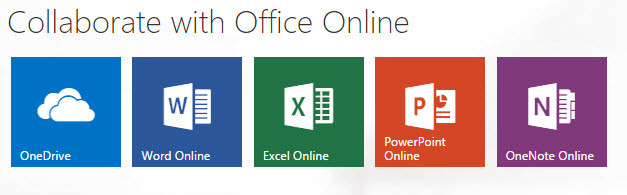
    Office OnlineAnother option, perhaps even a better one than Google Docs, is Office Online. You can use the online versions of Word, PowerPoint, and Excel free of charge, with 5 GB of cloud storage. The online versions don’t have all of the features as the paid versions, but that may be fine if you’re not a power user.

    Microsoft Office OutlookMicrosoft Office for Business also includes Outlook, which is a nice integrated email reader, contacts manager, calendar, and task manager. Outlook calendar and contacts can sync with your iOS device by installing the iCloud plug-in, but you’ll need to look at third-party apps for Android contacts sync, or sign up for a Google for Work account.

    Mac Mail Office AlternativeIf you’re a Mac user and you don’t have Outlook, or you don’t want to use the Mac version of Outlook, then Mac Mail is a fine program and integrates well with the Mac Address Book. You will have to launch the Mac Calendar and Mac Reminders separately. (If you’d like to know how to integrate Mac Mail with Mac Reminders, read my blog post here: How to Ingrate Email with Task Management). The Mac Calendar and Mac Address Book can sync with both iOS and Android (through your Google account).

    Windows has always had a basic email program as part of its Windows Essentials. In Windows 10, Microsoft released a new mail program with integrated calendar and contacts. (The jury is still out on this program as Microsoft works out the bugs.) With the release of Windows 10 Mail, Microsoft will no longer be updating Windows Live Mail, and will no longer support it for outlook.com email addresses. Unlike Outlook, Windows 10 Mail will sync with both iOS and Android contacts.

    Thunderbird Office AlternativeFor years, I’ve been using a free program from Mozilla called Thunderbird as my email reader on the PC. Thunderbird, like Outlook, is extensible with add-ons, so I have a calendar add-on called Lightning, and another add-on that syncs with my Google calendar. There are available add-ons for contacts sync as well. Thunderbird is a full-featured program that may be a bit difficult for many people to learn, and the search function is limited. However, if you’re on a PC, you don’t have Outlook, and you have multiple email addresses that you want to manage in one place, then Thunderbird is an excellent option.

    Need help with Office or your email program? Contact me.