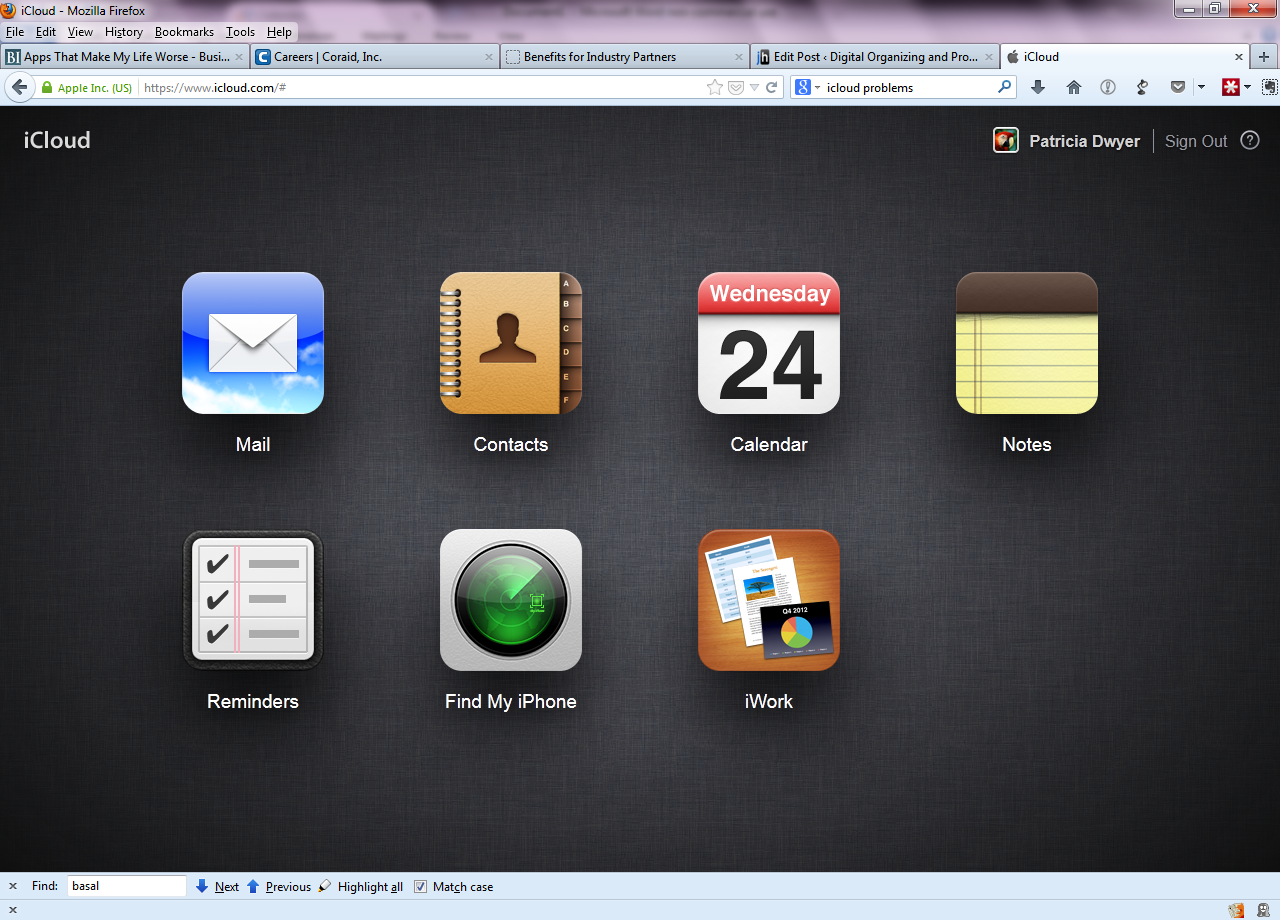
You may have heard of “The Cloud”. It’s a term that basically just means Internet storage.
Your email, for example, is a cloud service. Your email is stored on an email server, and delivered to your device(s) over the Internet. If your PC dies, or you lose your laptop, your email goes on accumulating on the server, and you can download all of the new email as well as all of the previous email, when you get back on-line.
So that’s pretty convenient, right? Why not offer a service that does that for all of your documents, and your photos too? That way you get backup and easy retrieval when you need it. Hey, maybe you can even sync all of that data on your desktop, your laptop, and your iPad too. Wouldn’t that be cool?
Happily, there are many cloud back-up services available that will do just that. They will automatically backup your designated data and sync that data with your other devices.
So which cloud service to use?
The first step in choosing a cloud service is to determine is how much storage you need. If you only want to store your important documents then a free service will be fine for you, but if you have tons of music files that you ripped from your CDs and also thousands of digital photos, then you may need a good deal of storage.
You also want a service with the right features for you. For example, you may want to put everything in one designated folder and have it automatically backed up, or you may want a service that can sync your existing folder structure. And the software needs to be compatible with all of your devices.
Here’s a summary of some of the cloud services. All of these services support Mac, PC, and iOS, and all except iCloud support Android.
 iCloud:
Storage: 5GB free; $9.99/month for 1TB
Features: automatic backup of iPhone and iPad; automatic sync of calendars, notes, and contacts; automatic sync of all content stored on iCloud Drive; automatic sync of all photos stored in iCloud Photo Library
 Google Drive:
Storage: 15GB free; $9.99/month for 1TB
Features: Automatic sync of all content stored on Google Drive; automatic upload for mobile photos
 Microsoft OneDrive:
Storage: 5GB free, $1.99/month for 50GB; $6.99/month for 1TB of personal storage when subscribing to Office 365
Features: Automatic sync of all content stored on OneDrive; automatic upload for mobile photos
 Dropbox:
Storage: 2GB free; $9.99/month for 1TB
Features: Automatic sync of all content stored in the Dropbox folder; automatic upload for mobile photos
 SugarSync:
Storage: 5GB free; $9.99/month for 250GB
Features: Automatic sync of all content in designated folders; automatic upload for mobile photos
There are also dedicated services for music and photos if you don’t want to pay for an all-in-one service. I’ll be writing about those services in an upcoming post, so check back soon!
Need help with cloud services? Contact me.